Create and print beautiful labels in Google Sheets
Merge images, QR codes, and barcodes to create professional labels with Avery templates and your Google Sheets data.
7 day free trial. No card required
⭐⭐⭐⭐⭐



How It Works
Take your labels from idea to printed product in just 5 simple steps using Smart Label Maker's intuitive design workflow
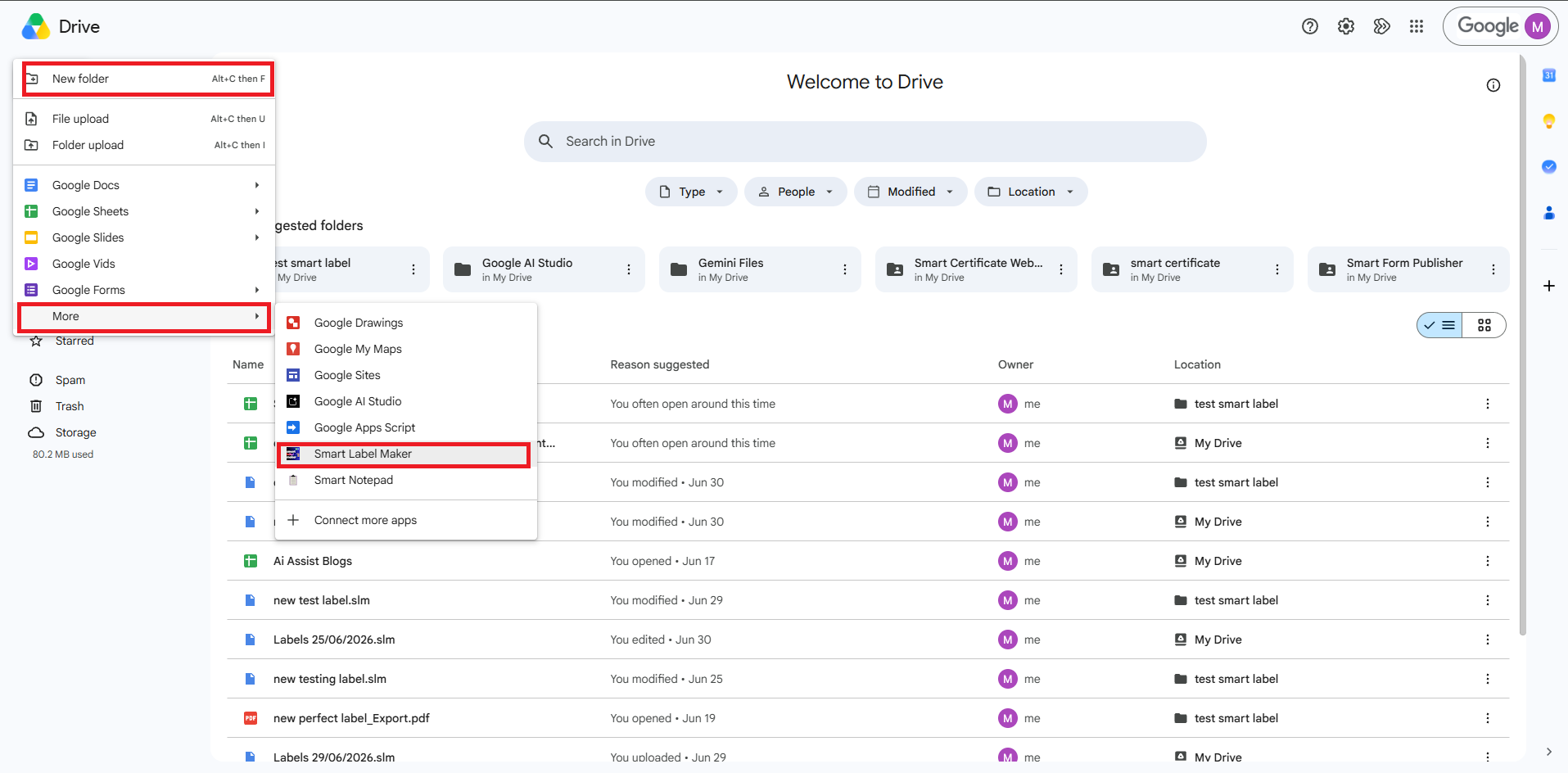
Open Smart Label Maker
Open Smart Label Maker
Launch Smart Label Maker directly from Google Sheets via the Extensions menu, or open it as a standalone web app from Google Drive — no extra setup needed.
Select a label template
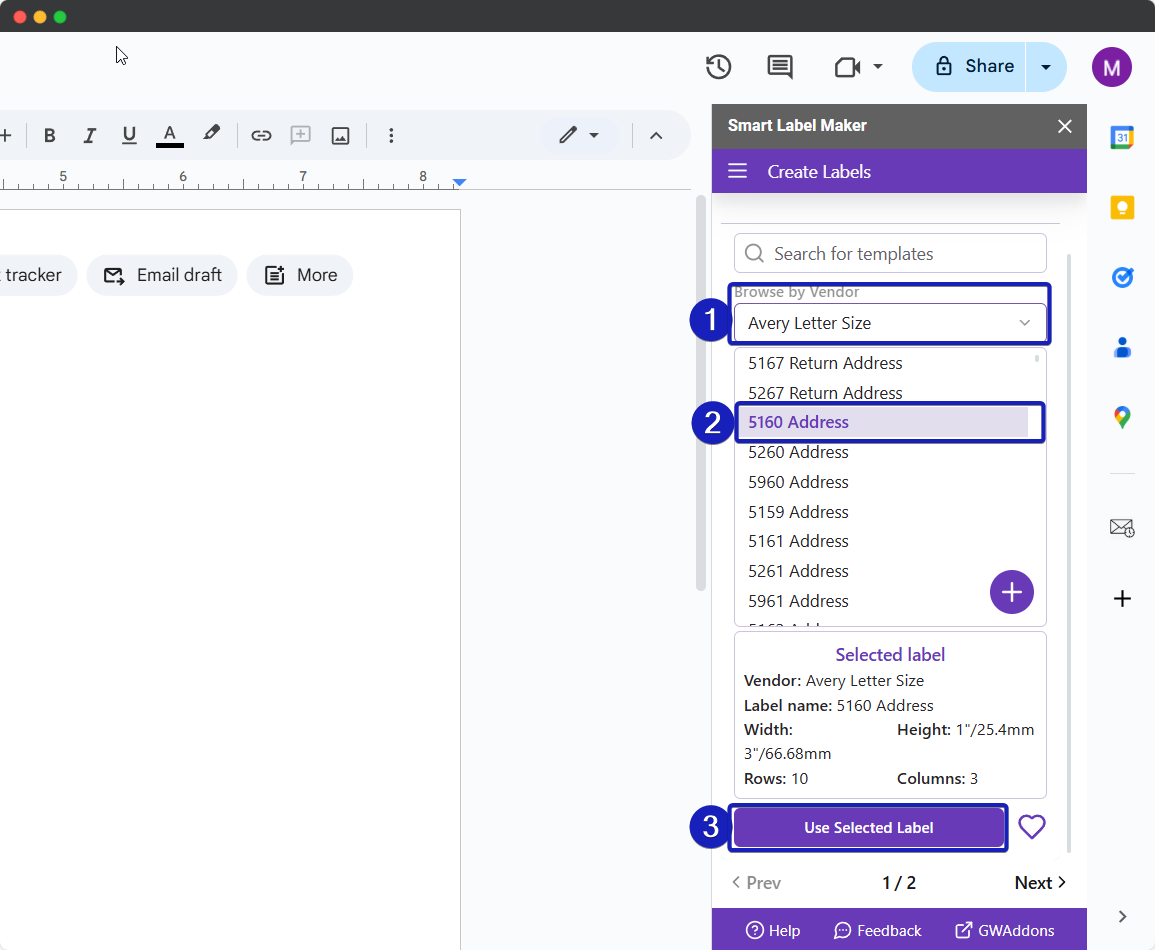
Select a label template
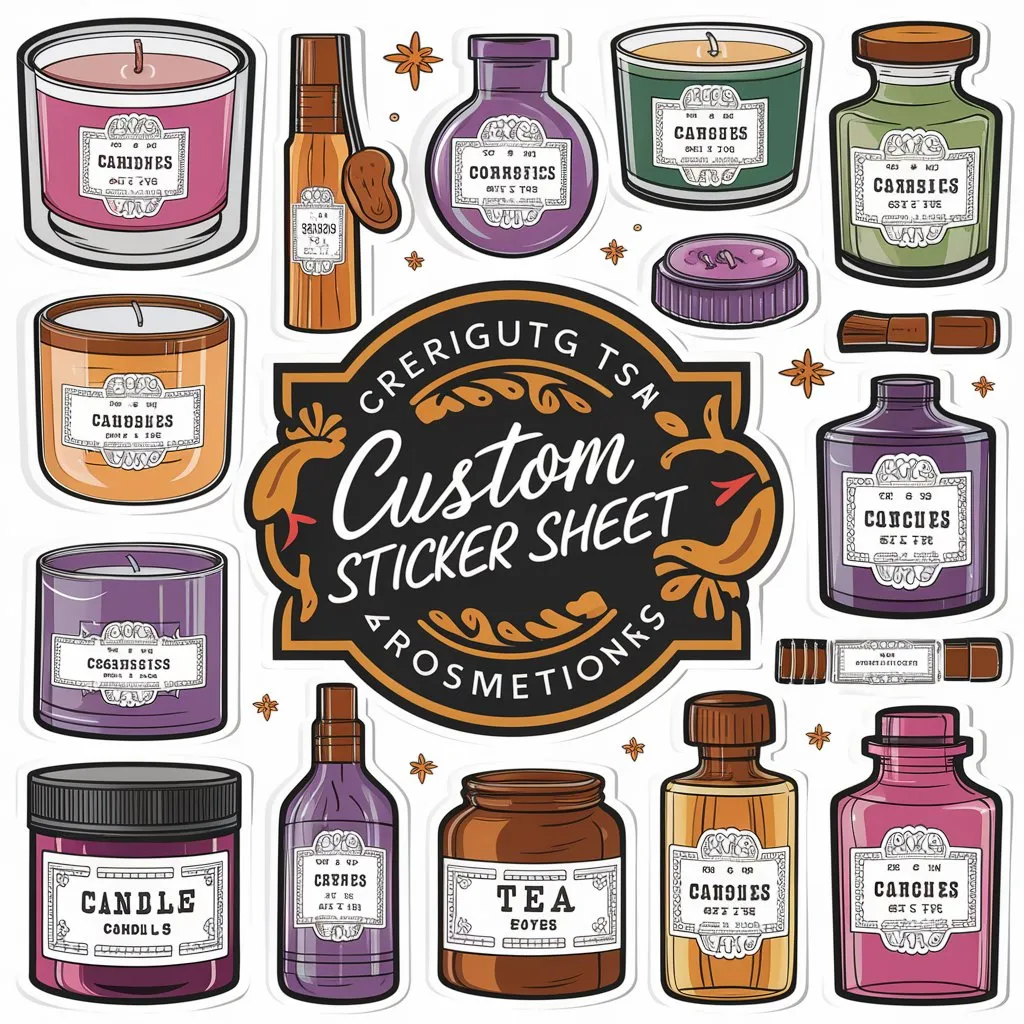
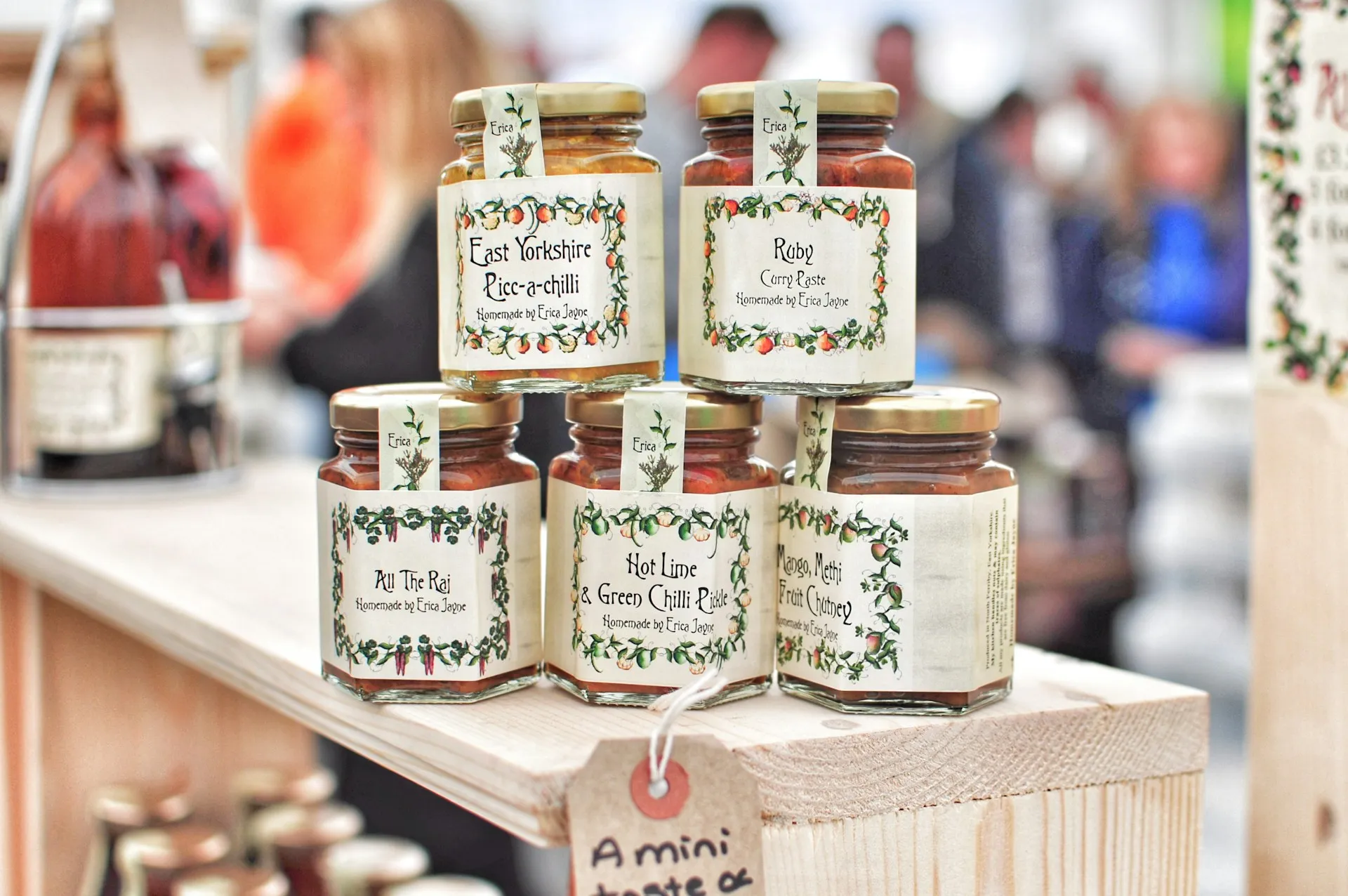
Choose from 5000+ pre-built label templates across Avery® US Letter, Avery® A4, Avery® Zweckform, and Herma — or create your own custom template by entering your own dimensions.
Design your label
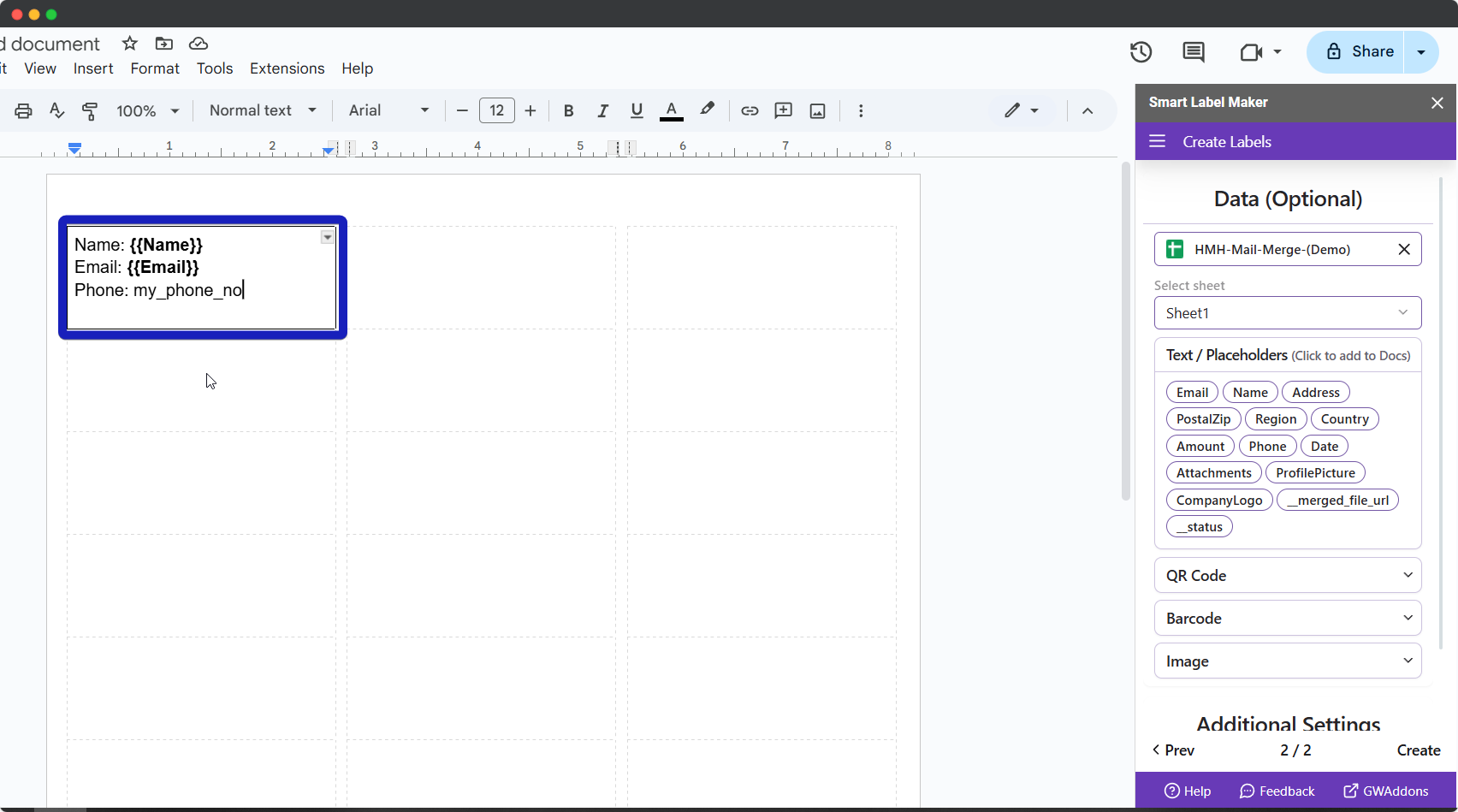
Design your label
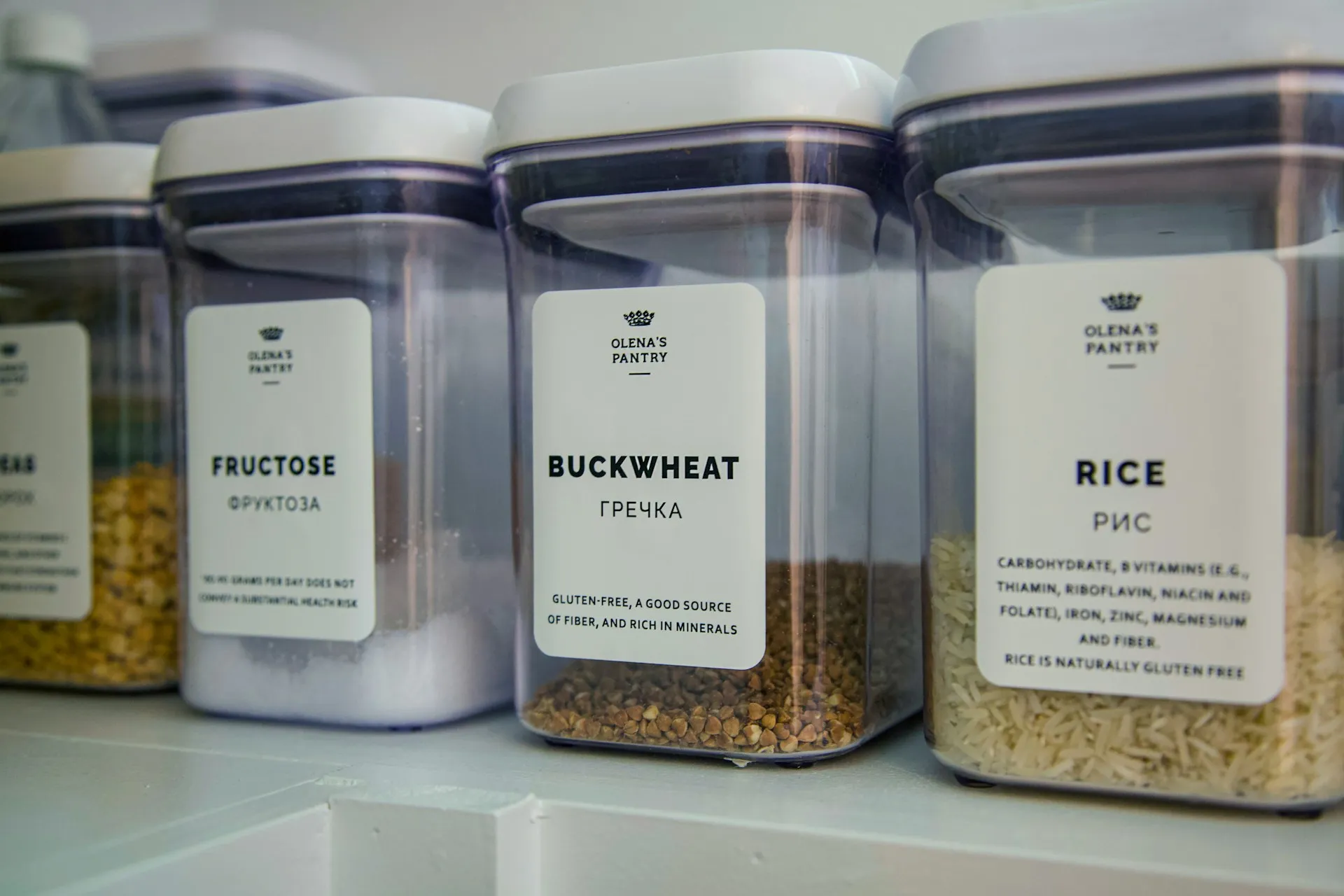
Use the interactive canvas to build beautiful labels. Add text with merge fields from your Google Sheet, static or dynamic images, shapes, QR codes, and barcodes — all drag, drop, and resize with full styling controls.
Preview and print your labels
Preview and print your labels
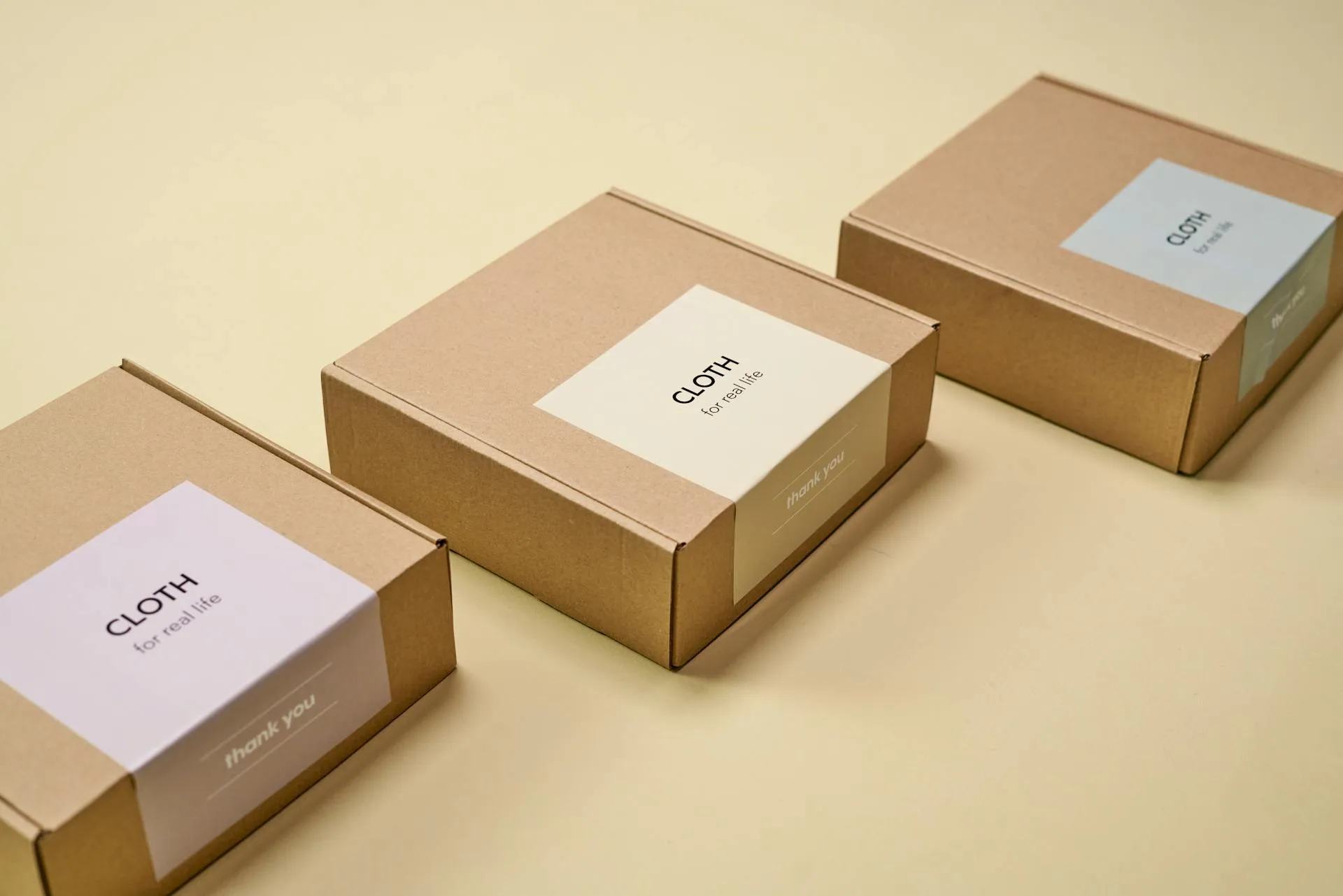
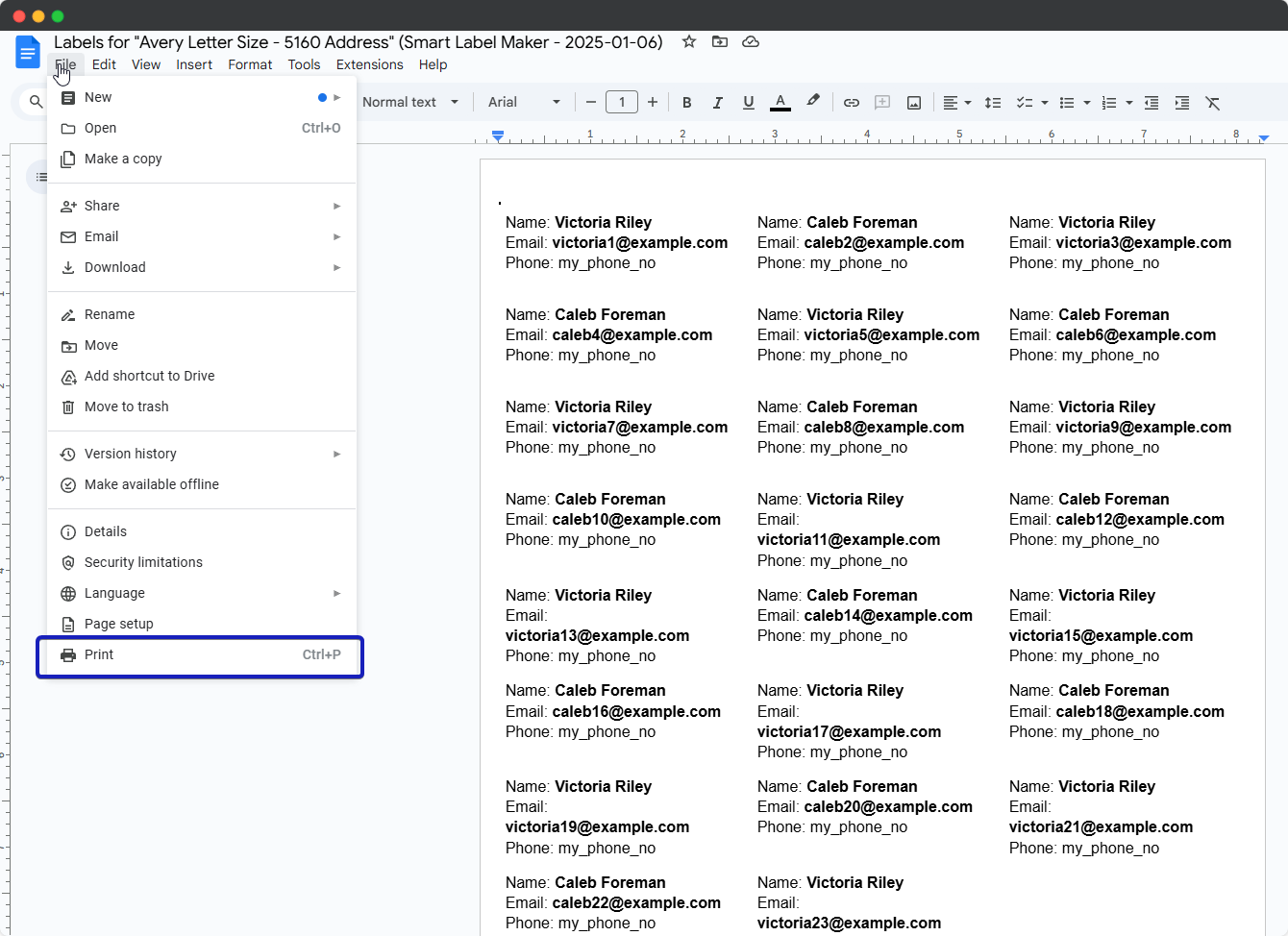
Preview your full label sheet instantly in Smart Label Maker, then export to PDF and print with one click to any printer.
Easy to use
Integrates effortlessly into your Google Workspace workflow
No credit card or sign up
No registration or credit card needed. Try it for free now!
Private
Your data, your privacy. We respect your confidentiality.
Constant Feedback
Your opinion matters. Tell us how we can serve you better.
Join Over 100,000 Satisfied Users!
Discover why thousands of professionals trust our add-ons to streamline their workflow and enhance productivity. Get started today and see the difference for yourself!
 #1 Gemini AI Add-on, in Google Workspace Marketplace